Downtime is never just an inconvenience. Whether it’s a cyberattack, hardware failure, or regional outage, disruptions can result in lost productivity, frustrated customers, and financial strain. You might think that your backup solution is the answer. But although backup is a great safety net, it won’t prevent downtime. Added to the issue are the facts that restoring lost data takes time and anything created since the last backup is often lost.
To minimise the effect of an outage, instead of focusing purely on recovery, many IT teams are now starting to shift towards the idea of continuous availability. Finding a way to keep systems running and providing access to data even when failures occur.
A key component is real-time file synchronisation, ensuring that up-to-date copies of critical files exist across multiple locations, so there’s always a data-set that’s not just stored, but ready to take over instantly.
Why traditional backups fall short
Backups have been the go-to strategy for data protection for decades. But in fast-moving environments, they have serious limitations.
Restoring from a backup takes time, meaning services stay down after the initial disruption. Anything created or changed since the last backup may not be retrievable, so new data can be lost. And centralised storage means that if that location goes offline, so does access to all the organization’s data.
A more resilient approach means data is continuously available, not just recoverable after the fact. Limiting the impact of an outage by keeping the business online.
What is continuous availability?
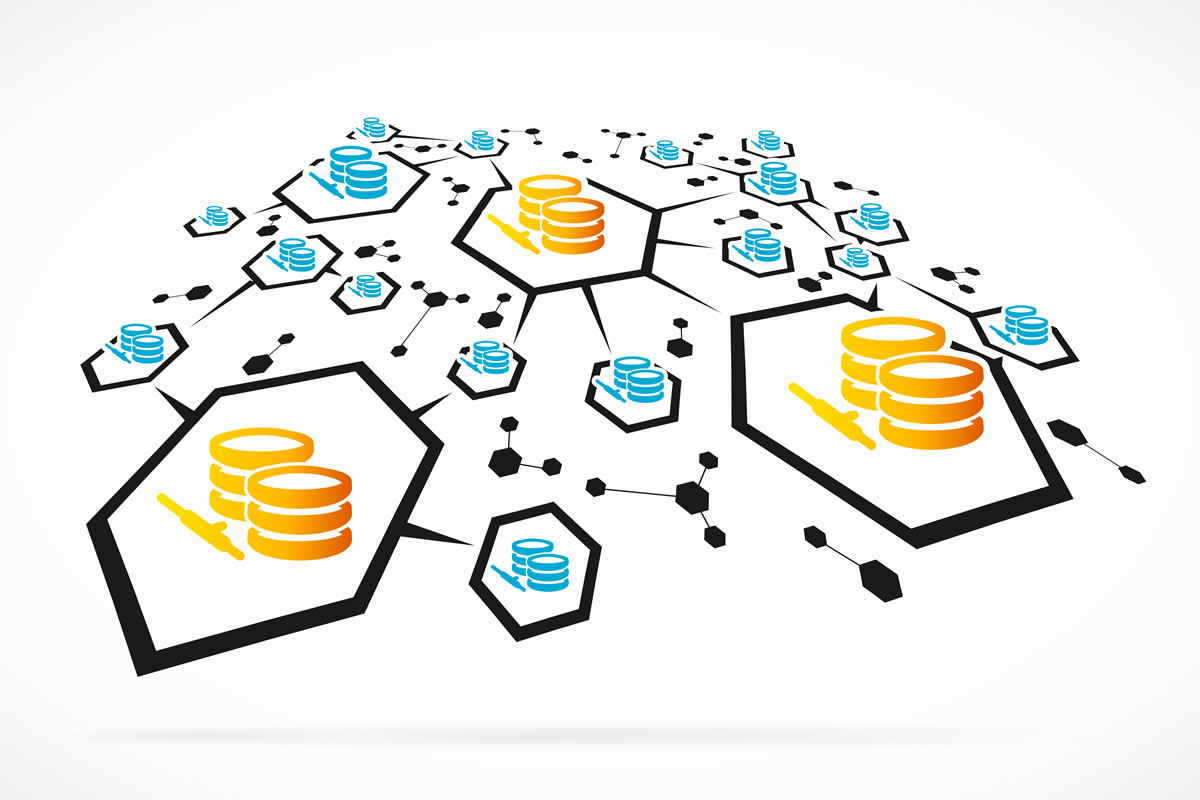
Real-time file synchronisation distributes data intelligently so there’s always a live, accessible copy. Instead of storing everything in one place and periodically saving backups, data is continuously synchronised across multiple locations.
With every file change immediately copied to at least one other location, data remains accessible even if a primary site fails. If one location becomes unavailable, systems instantly switch to another. This failover gives users a seamless experience without interruption.
With data stored in multiple physical locations, the risk of regional outages is reduced because load balancing means no single site is overwhelmed. And the system stores data close to where it’s needed most, improving performance.
How to implement a continuous availability strategy
To move beyond backups towards continuous availability for business continuity, I always recommend the following steps:
- Identify critical data and applications
What data and which applications have to be online at all times? Map out what’s critical so it’s easy to prioritise when you’re designing your file system. And identify dependencies, peak usage patterns, and latency issues so that you can improve performance. Fixing issues now will limit the after-effect of any cyberattack or failure, helping your business to stay online after an outage.
- Distribute data across multiple locations
Centralising your data, bringing all data to one storage platform, creates a single point of failure. An outage is much more devastating when all your data is affected. So avoid reliance on a single site. Distribute and replicate your data across multiple locations, so that if one data centre / center fails your business can still access the most up-to-date versions of files.
- Implement automatic failover
Design and implement workflows that support seamless failover and failback, so if the primary file server goes offline, users can still access files from other synchronised servers without disruption.
Once the primary system is restored, changes made during the failover period will be automatically synchronised across all locations, so every copy is up to date. This means you don’t need to rely on fragmented backups and it’s much easier to keep the business online.
It also reduces the need for manual recovery processes – freeing up the IT team to focus on more strategic priorities.
- Continuously monitor and refine
With real-time file sync now part of a business continuity plan, it’s even more important to make sure it’s working well, that all critical data is synced and that any bottlenecks or weak points are spotted early.
Include performance monitoring in your continuity strategy. Set realistic targets and be clear what level of performance is needed to protect your most critical data. And agree to the actions you’ll take if your software’s performance falls short.
A smarter approach to resilience
When it comes to protecting our data, backups will always have a role. They are the last wall in our defence. But they are not enough to prevent downtime, and they do not keep our businesses working during an outage.
To ensure business continuity, IT teams must move beyond disaster recovery and focus on keeping systems running, no matter what happens. Real-time synchronisation and failover across multiple sites means that there is always access to the most up-to-date data. So that businesses don’t just recover quickly – they avoid disruption altogether.
The author
Jimmy Tam is CEO of Peer Software