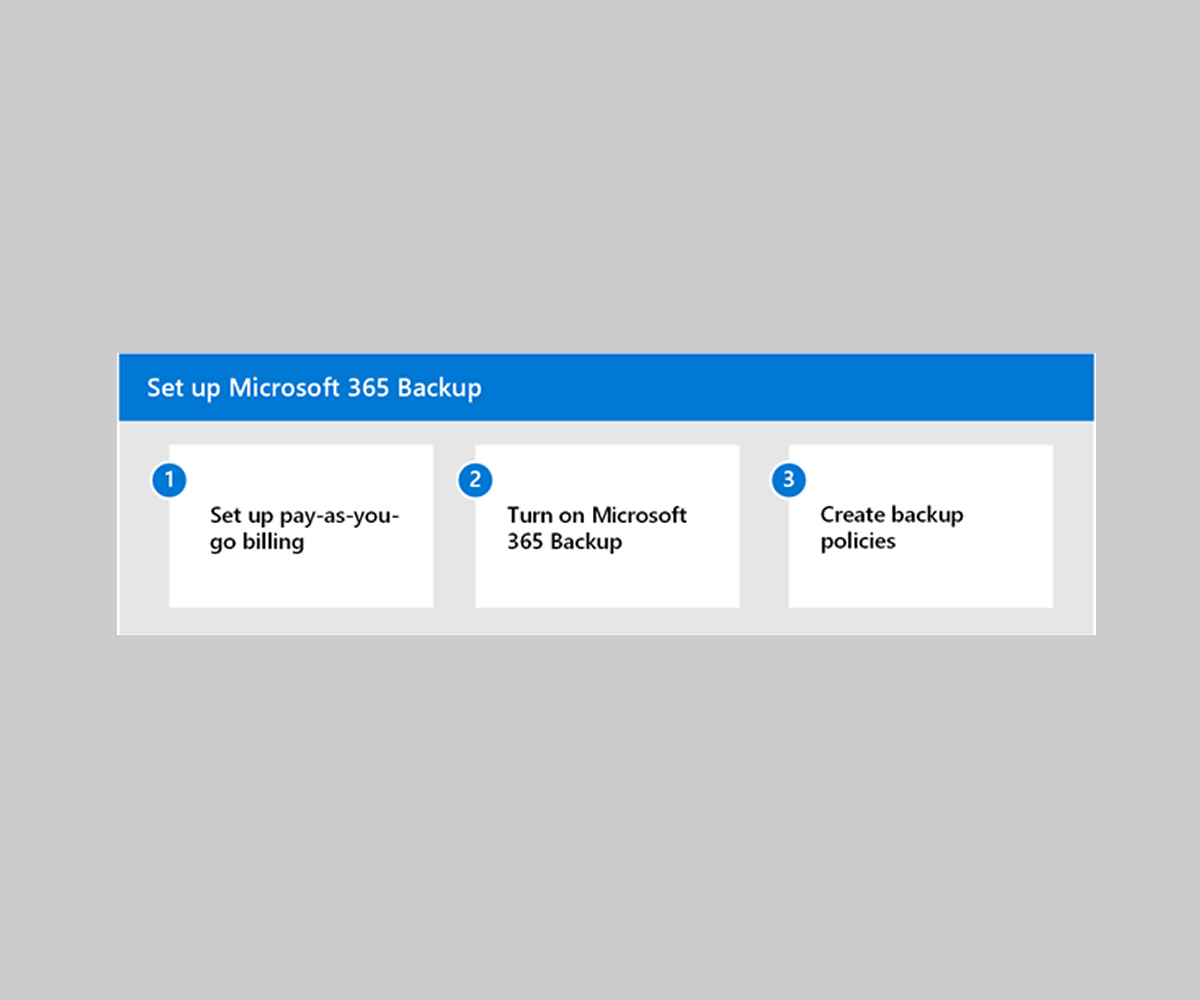
With Microsoft announcing its release plans for its Microsoft 365 Backup service, what better time than now to share some takeaways and what I believe this milestone means for SaaS data protection now and going forward?
Welcome. And we kinda told you so…
What have we been saying, exactly?
That you need to back up your Microsoft 365 data! Microsoft is not responsible for your data, you are.
Why have we been saying that?
Well, we know that an overwhelming percentage of Microsoft’s enterprise customers have no backup for their Microsoft SaaS usage. That’s because Microsoft promises to not lose all your data.
With that in mind, customers’ reasoning is – and I meet this in organizations all over the world, all the time – that cloud SaaS data doesn’t need backup at all, because Microsoft won’t lose it.
And that’s simply not correct. In the backup and recovery space, we’ve been trying to get that message across for many, many, years.
This popular perception is a real problem – to the organizations who fail to protect their data, to their customers and users, and to the communities they play a role in.
That’s basically all of us. Consequently, it’s in the interest of all of us to bring that number down to boost the cyber resilience of, say, critical infrastructure and critical services, and everything else we rely on in our lives.
How does Microsoft releasing its own solution help drive the message across?
Or: What does Microsoft 365 Backup mean for SaaS data backup?
Well, all the vendors in this space have long had to challenge the popular notion that data in the cloud was, by default, automatically and perfectly protected.
And many of us have talked at length about Microsoft’s shared responsibility model where Microsoft clearly states that the customer is responsible for backup of information and data, including devices, accounts, and identities.
The introduction of Microsoft 365 Backup marks the start of Microsoft’s journey into protecting your Microsoft 365 data against other threats, including malicious attacks, mistakes, misbehaving automations, and other misfortunes.
And that’s great. But it’s early days yet – with no backup for Entra ID, Teams, or Power Platform and low restore granularity, third-party backup is still very relevant. As always, it’s crucial to have those backups separated physically and logically from the Microsoft infrastructure. You don’t leave your spare key in the car, after all.
The optimist in me hopes that now, with Microsoft developing its own backup service, we can finally put the shared responsibility model into its proper perspective and get protection for the many enterprise customers who don’t have it today.
We can now start the burial service for the original “I don’t need backup” objection. That frees us to skip over the boring question of whether or not you should backup Microsoft 365 data, then jump into the interesting conversations.
For example:
- What do you need to back up? Entra ID is the control plane for your entire Microsoft 365 tenant – it’s your identities, permissions, policies. So that’s an example of something that’s kind of nice to have access to.
- And how should you backup? What are the most important criteria for good backup? That it’s completely separate from your production environment? That the data can’t be tampered with? That recovery is fast and precise? Just some thoughts.
Anyway: it’s great to see a newly awakened interest in data protection because of this release. And I’m optimistic that it will mature the conversations out there.
The author
Paul Robichaux, Microsoft MVP and Keepit Senior Director of Product Management.
Paul Robichaux is a Microsoft MVP (Most Valuable Professional) — a title he has been awarded every year since 2003. Paul has worked in IT since 1978 and has held a number of CTO and senior product development positions in the software industry. He is also Senior Director of Product Management at SaaS data protection provider Keepit.
Paul is a prolific contributor to the Microsoft community: he is the author of an impressive number of books and articles about Microsoft technologies, including the best-selling Office 365 for IT Pros, a contributing editor for Practical 365, and produces a continuous stream of videos, podcasts, and webinars.
Paul is based in Alabama in the United States.